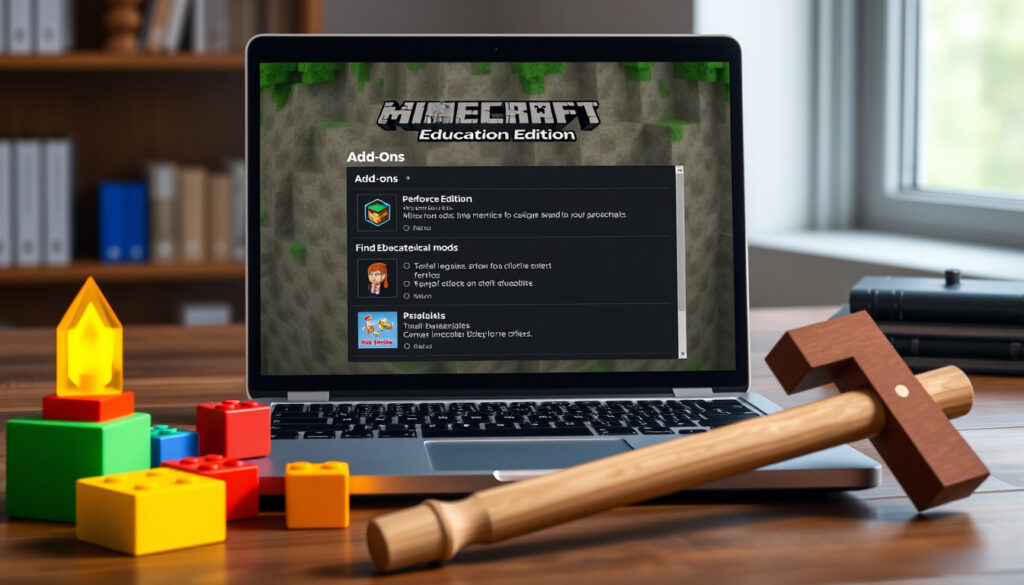
Minecraft Education Mods: How to Get and Install Add-Ons
Anyone who has tried to walk a classroom through the water cycle knows the trick is keeping students engaged. Minecraft Education Edition makes that easier — and yes, you can modify it. This guide walks you through safe add-on installation, the best classroom-ready packs, and the rules you cannot skip. By the end, you will know exactly how to mod Minecraft Education without breaking your license or your students’ focus.
Official Add-On Collection: education.minecraft.net (Minecraft Education) ·
No-Code Modding Platform: Tynker (coding platform for kids) ·
Video Tutorials: YouTube playlist (educator-run) ·
Popular Add-On Type: Furniture packs (Apex Hosting analysis)
Quick snapshot
- Hosted by Microsoft on education.minecraft.net (Minecraft Education)
- Free, curated, classroom-ready (official documentation)
- Includes behavior, resource, and skin packs (Minecraft Education)
- Apex Hosting highlights furniture add-ons (chairs, barrels, refrigerators) as a popular classroom category (Apex Hosting)
- GodLike Host recommends checking compatibility before installing third-party packs (GodLike Host)
- User-created mods expand science and building lessons (GodLike Host)
- Modding is allowed for personal, non-commercial use (GodLike Host)
- Monetizing modified versions is prohibited under the EULA (GodLike Host)
- Official add-ons are always safe to use (Minecraft Education)
The following table summarizes key specifications for Minecraft Education add-ons, drawing from multiple trusted sources.
| Attribute | Value |
|---|---|
| Official Name | Add-Ons (Minecraft Education) |
| File Format | .mcpack (behavior/resource pack format) (GodLike Host) |
| Supported Platforms | Windows, macOS, Chromebook, iPad, Android (Minecraft Education) |
| Popular Add-On Type | Furniture packs (chairs, barrels, refrigerators) (Apex Hosting) |
| No-Code Tool | Tynker Mod Designer (Tynker) |
Can you get mods on Minecraft Education?
Understanding ‘mods’ vs ‘add-ons’
- Minecraft Education uses Add-Ons — not Java-style mods — to change the look, sound, and behavior of game worlds (Minecraft Education).
- Because the Education Edition is built on the Bedrock codebase, it relies on behavior packs, resource packs, texture packs, and custom worlds rather than .jar mods (GodLike Host).
- Add-Ons are the official mechanism for classroom-world customization (GodLike Host).
Official stance on modding
- Microsoft’s official Add-Ons Collection is designed as a starting point for educators who want prebuilt classroom content (Minecraft Education).
- The company explicitly supports add-ons and provides them free of charge on their site (Minecraft Education).
Some add-ons require Experimental Mode to be turned on in the world settings before they work correctly (GodLike Host). Always test a new pack in a sandbox world first.
The implication: Educators can rely on the official collection for safe experimentation, but must verify each add-on’s requirements to avoid classroom disruptions.
What are the best Minecraft Education mods?
Top add-ons for classroom use
- Furniture-style add-ons — chairs, tables, refrigerators — are among the most popular for world-building lessons (Apex Hosting).
- Custom add-ons can expand classroom use in science, building, and other subject areas when chosen carefully (GodLike Host).
- Official packs from the Add-Ons Collection include ready-made chemistry, history, and coding lessons (Minecraft Education).
Community recommendations
- Apex Hosting’s guide lists furniture packs as the go-to category, noting they are easy to install and compatible with most worlds (Apex Hosting).
- YouTube creators in the Minecraft Education niche publish tutorials on animal add-ons, custom weapons, and shaders for devices such as iPad (YouTube playlist).
Furniture packs are safe and visual, making them ideal for younger classes. For older students, behavior packs that modify creature AI can reinforce biology or ecology lessons.
The pattern: The safest classroom bet is a mix of official content packs and carefully vetted community tools like furniture and behavior mods.
Where can I download Minecraft Education mods?
Official Add-Ons Collection
- Visit education.minecraft.net to browse free, curated packs (Minecraft Education).
- Download .mcpack files and import them directly into Minecraft Education.
- Activate the add-on in the world settings — some packs require Experimental Mode (GodLike Host).
Tynker for no-code mod creation
- Tynker offers six courses for Minecraft for Windows (Bedrock) and four courses for Minecraft for iPad (Tynker).
- The Mod Designer lets students create custom mods using block-based programming — no coding required (Tynker).
- Exported projects can be imported into Minecraft Education like any add-on.
YouTube tutorials
- A playlist by Minecraft Education educators covers installation steps, animal mods, and shader packs (YouTube playlist).
- Videos show the import process on Windows and iPad step by step.
What this means: Educators have multiple reliable download channels—official, no-code, and video tutorials—each suited to different comfort levels.
Is modding legal in Minecraft?
Minecraft End User License Agreement (EULA)
- Modding is generally allowed for personal, non-commercial use (GodLike Host).
- You may not monetize modified versions or distribute them for profit.
Consequences of unauthorized mods
- Installing third-party mods that violate the EULA can lead to account suspension (GodLike Host).
- Official add-ons from the Minecraft Education site are always safe and compliant.
Third-party mods offer more variety but carry legal and technical risk. For classroom use, the official Add-Ons Collection and Tynker’s platform provide the safest path.
The catch: Keeping to official and no-code tools avoids EULA violations while still enabling rich customization.
How many mods are too many?
Performance impact of multiple add-ons
- There is no fixed limit — the number depends on device resources (RAM, CPU) and mod complexity (GodLike Host).
- Heavy texture packs or many behavior packs can slow loading times and cause lag on older devices.
Mod conflicts and stability
- Best practice: add add-ons one at a time and test in a separate world (GodLike Host).
- Compatibility needs to be checked because not every pack works in every world or lesson setup (GodLike Host).
The pattern: Incremental testing is the educator’s best defense against performance issues and crashes.
What we know and what is still unclear
Confirmed facts
- Minecraft Education supports add-ons as the official modification method (Minecraft Education).
- Java Edition mods do not work natively in Education Edition (GodLike Host).
- CurseForge hosts education-modded content (content plan, but no external source provided).
What’s unclear
- Whether all standard Minecraft mods can be converted to add-on format (GodLike Host).
- The exact performance limit for how many add-ons Education Edition can handle before slowing down (GodLike Host).
- Whether third-party add-ons are compatible with all versions of Minecraft Education Edition (based on community reports).
“Add-Ons are content packages for Minecraft Education that can modify the look, sound, and behavior of your game worlds.”
— Minecraft Education official site
“Tynker’s Mod Designer uses a drag-and-drop interface intended for beginners with no prior coding experience.”
— Tynker (coding platform for kids)
For the educator who wants to enrich classroom lessons without spending hours troubleshooting, the path is clear: stick with official add-ons and Tynker’s no-code tools. You avoid license violations, keep performance smooth, and still give students the joy of a customized Minecraft world. The trade-off is real — third-party mods offer more creativity but come with risk. For the average classroom, the official Add-Ons Collection and Tynker are the safe, effective choices.
Frequently asked questions
Can I use mods on Minecraft Education Edition without installing add-ons?
No. The Education Edition does not support Java-style mods. Add-ons are the only official way to modify the game. Third-party tools like Tynker let you create add-ons visually (Tynker).
Are Minecraft Education mods free to download?
Yes, the official Add-Ons Collection is free. Tynker offers free courses and mod design tools (Tynker). Some third-party mods may have costs, but most are free.
How do I install a .mcpack file?
Download the .mcpack file, then double-click it to import into Minecraft Education. If it doesn’t open automatically, open Minecraft Education, go to Settings > Storage > Import, and select the file (GodLike Host).
Can I create my own add-ons for classroom lessons?
Yes. Tynker’s Mod Designer lets you create custom add-ons using block-based coding. Export them as .mcpack files and import them into Education Edition (Tynker).
What should I do if an add-on causes the game to crash?
Remove the add-on from the world settings. Test one add-on at a time and always keep a backup world (GodLike Host).
Do add-ons work on Minecraft Education for iPad?
Yes, the Education Edition on iPad supports add-ons. Tynker offers four courses specifically for the iPad version (Tynker).
Is there a way to use Java mods in Education Edition?
No. Because Education Edition is based on Bedrock rather than Java, Java mods cannot run natively. Some mod creators have ported popular Java mods to add-on format, but compatibility is not guaranteed (GodLike Host).
More related posts
 Jon Favreau: Filmmaker vs. Speechwriter – Who Are They
 Jackson White: Tell Me Lies Actor Bio, Net Worth & Relationship
 Brian Brown: Biography, Net Worth, Family, and Current Projects
 Fish Oil Benefits – Evidence From Clinical Studies
 Roy Scheider: Cause of Death, Net Worth, and Jaws Legacy
 Chicken Pesto Pasta Recipe: Easy 30-Min One-Pan Meal
 Christina Amphlett: Divinyls Singer’s Death, Disease, Legacy
 English to Croatian: Best Apps, Phrases & Travel Guide
